“The withdrawal from your account will be done by Digistore24.”
Thank You! 🎉
Your payment was successful.
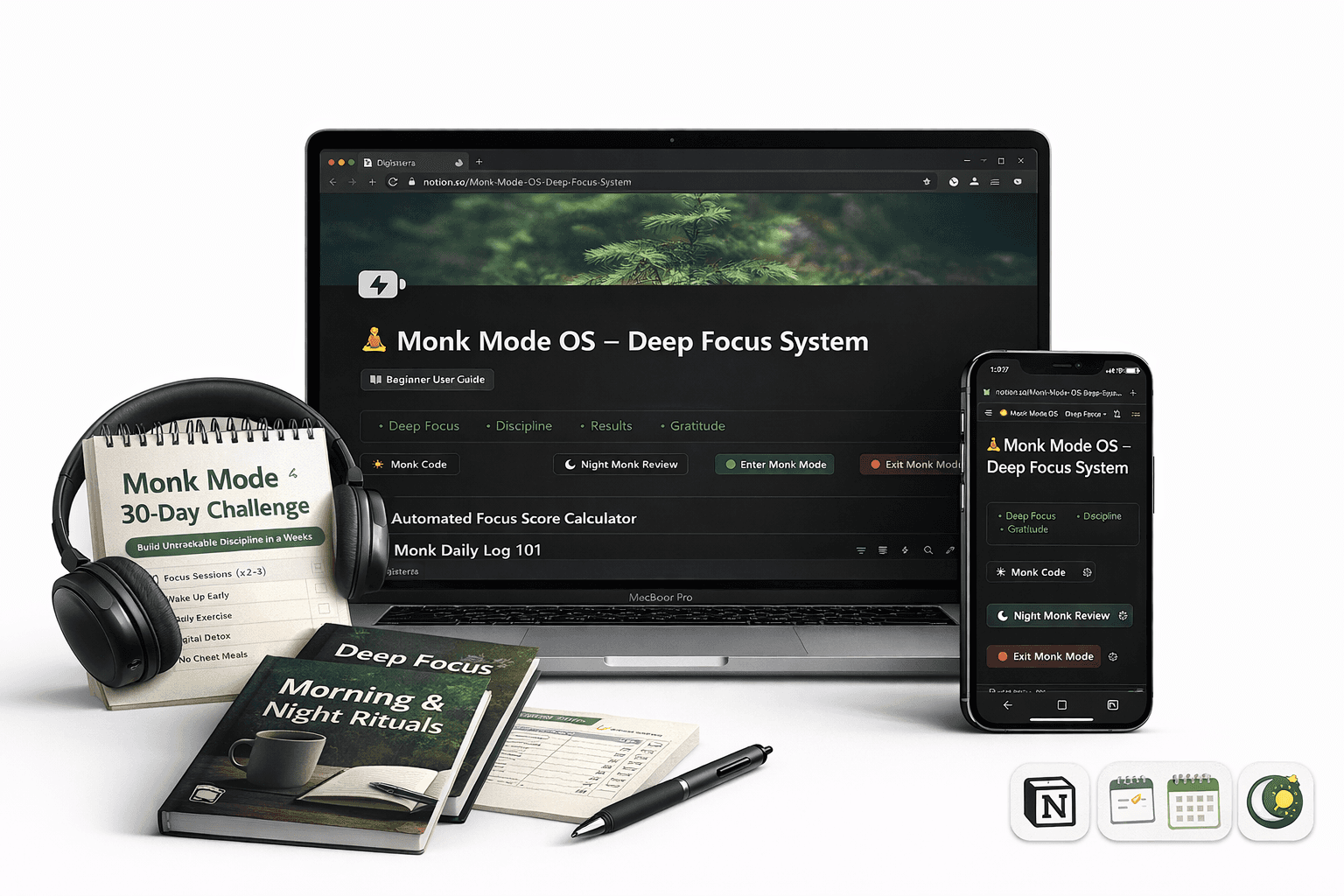
Your Monk Mode OS - Notion Template is on the way to your email.
Check your email inbox
Your product has been automatically sent by Digistore24 to the email address you used during checkout.
⏱️ Delivery Time: Usually within 2-5 minutes
(if not visible, please check Spam / Promotions / Updates tab)
What to Do Next
1
2
In this pdf file you'll be given Notion Monk mode template link with Download button
3
Quick Note:
This is the downloadable pdf inside which you will find a download button to get notion template link
You must be logged into your Notion account to duplicate it.
The template will be saved in your permanently in your Notion
Your credit card statement will show a charge from Digistore24
Remember: Consistency beats motivation.
Commit to Monk Mode Daily
Instant Delivery
Works Worldwide